New: Quick review with the pull request in view

Every pull request, one window.

BorgDock watches your checks, tells you what needs you, keeps your work items next to the agents on them, and lets you review and merge without opening a browser tab.
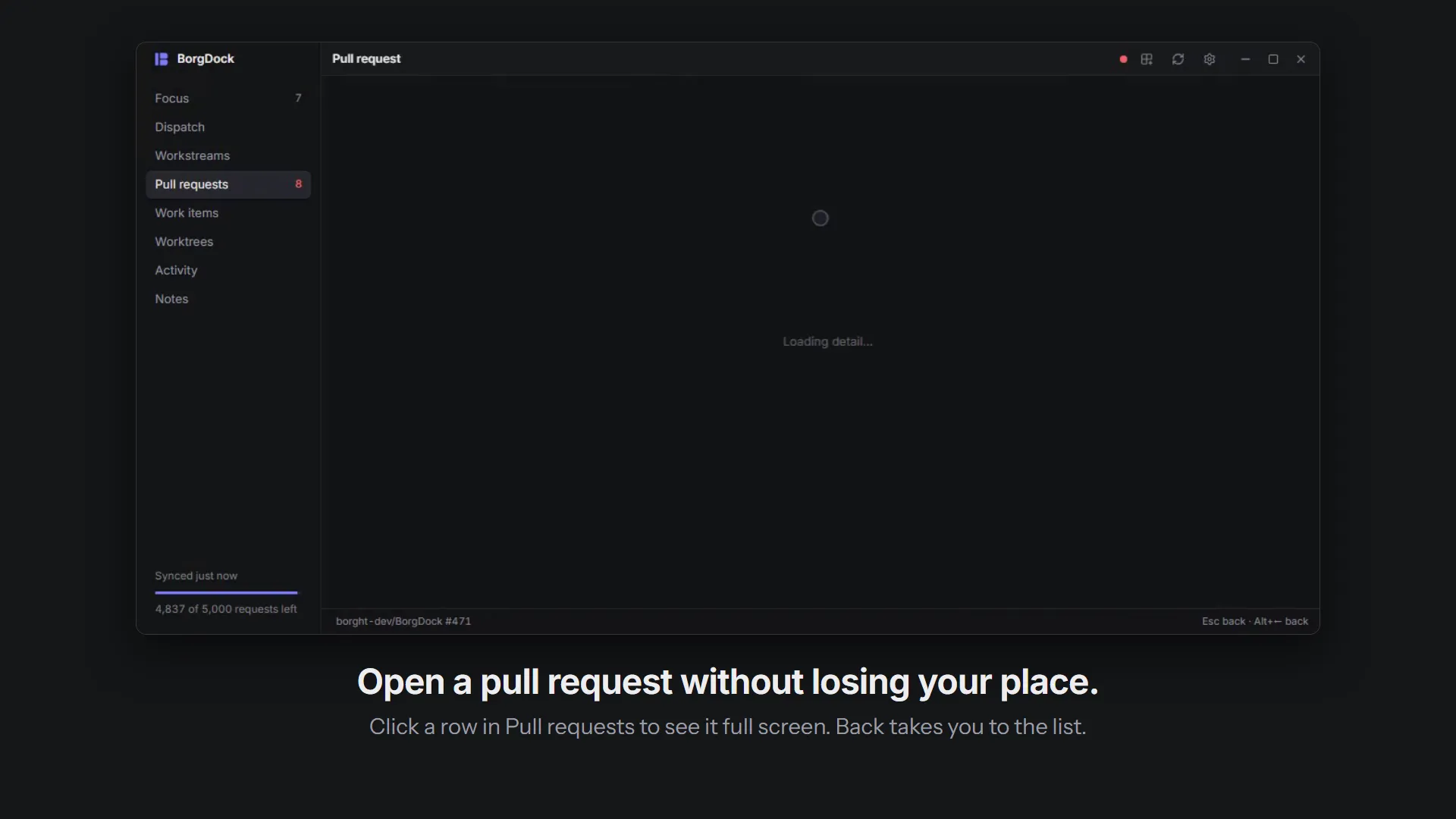
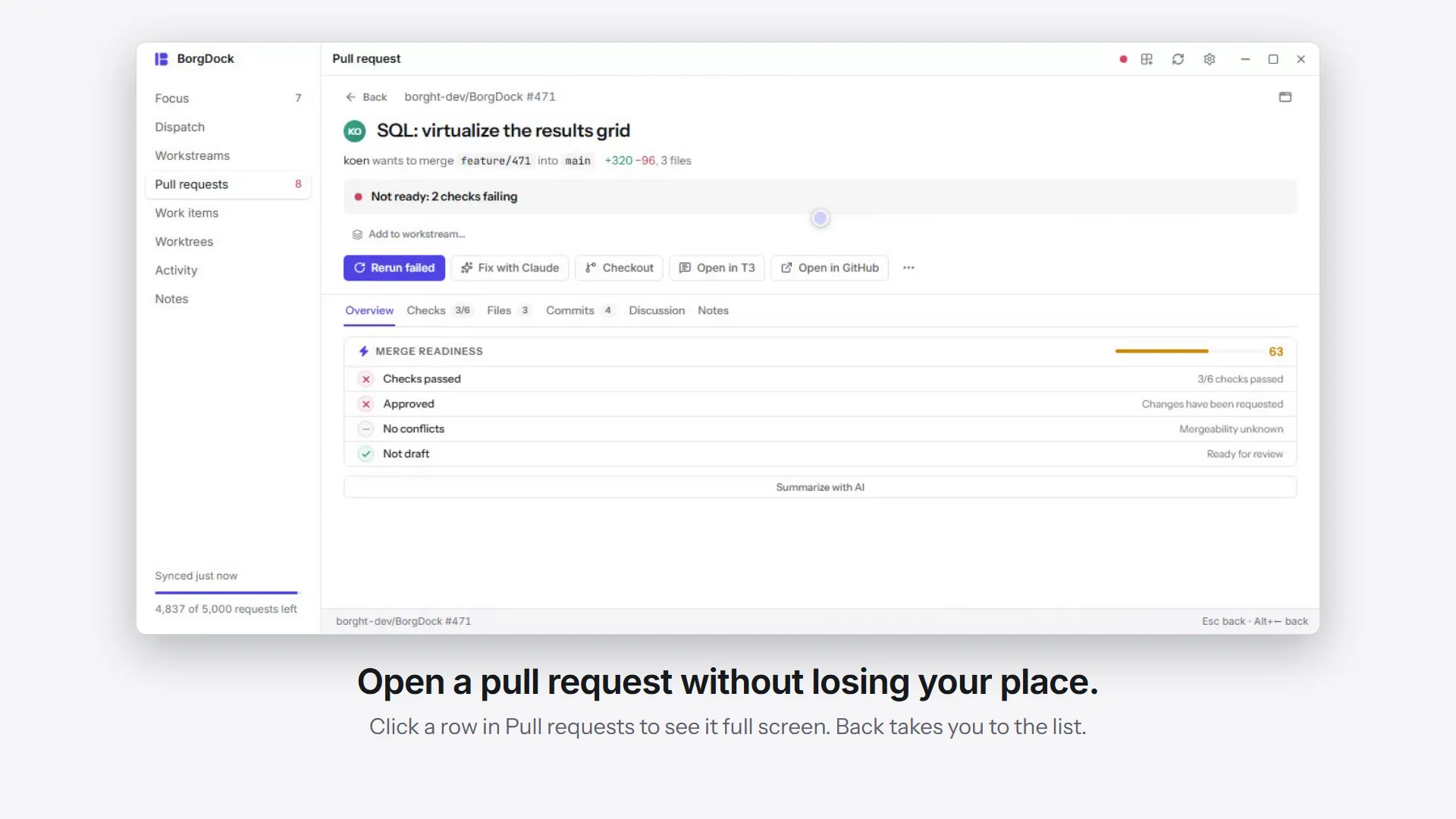
Download for Windows 39.5 MB See how it works
BorgDock in a minute: open a pull request full screen, filter to what needs you, review file by file and approve on the last one, merge from Focus, then walk your work in Dispatch and start an agent

Watch

See every check at a glance

Every open pull request gets one row: who opened it, where it stands, and its checks as a single bar. Red means something failed, amber means it is still running.

Pick Needs you, Mine or Failing and the list rearranges itself in place. When one failure breaks several pull requests, it gets its own row on top, with who is on it.
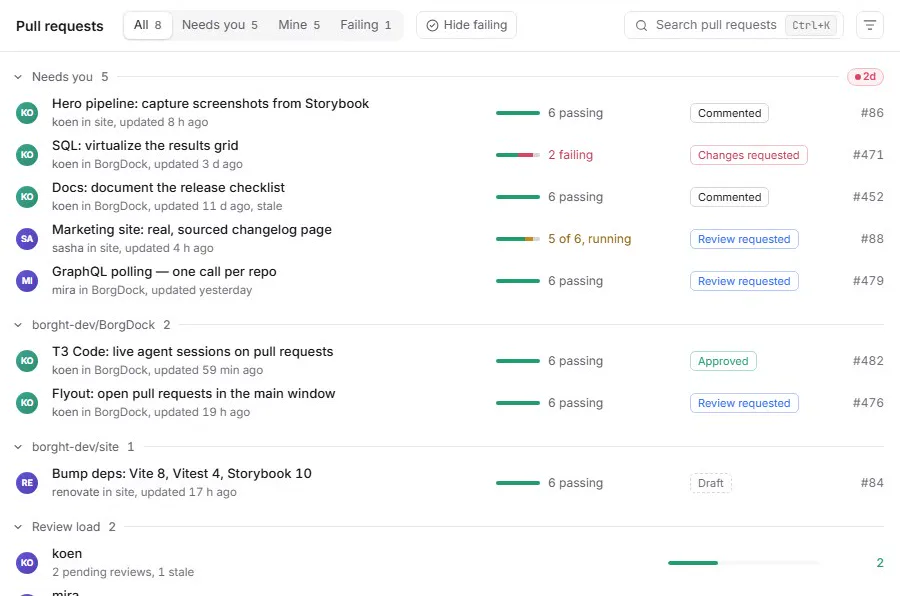
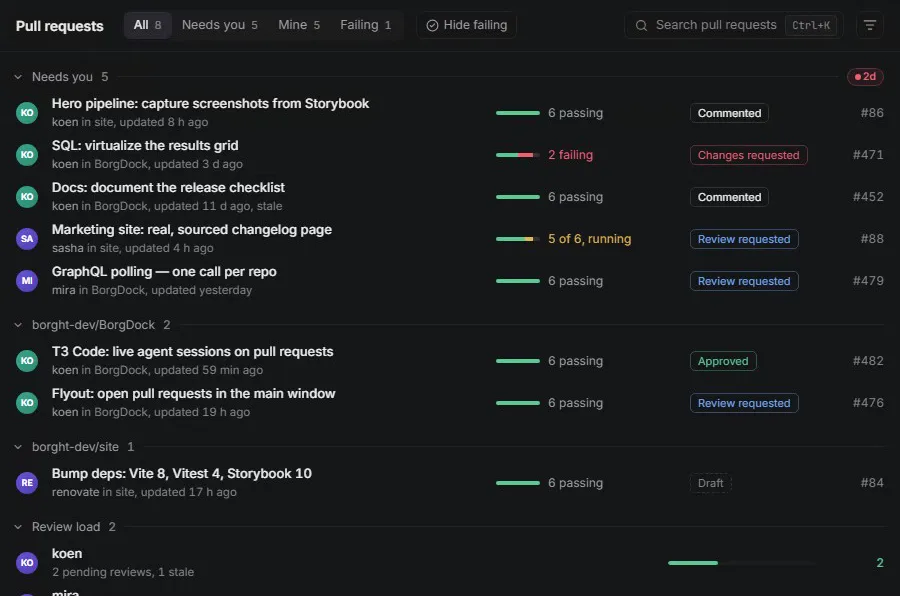
Switching the filter from All to Needs you to Failing; the rows that stay slide to their new place

Decide

Know what needs you next

Focus picks out the pull requests that are waiting on you and tells you why each one is there. Switch to the board to see them in Needs you, Waiting on others, Ready to merge and Stale.

Been away? Activity lists what changed since you last looked: an agent's question, a failed check, a new review.
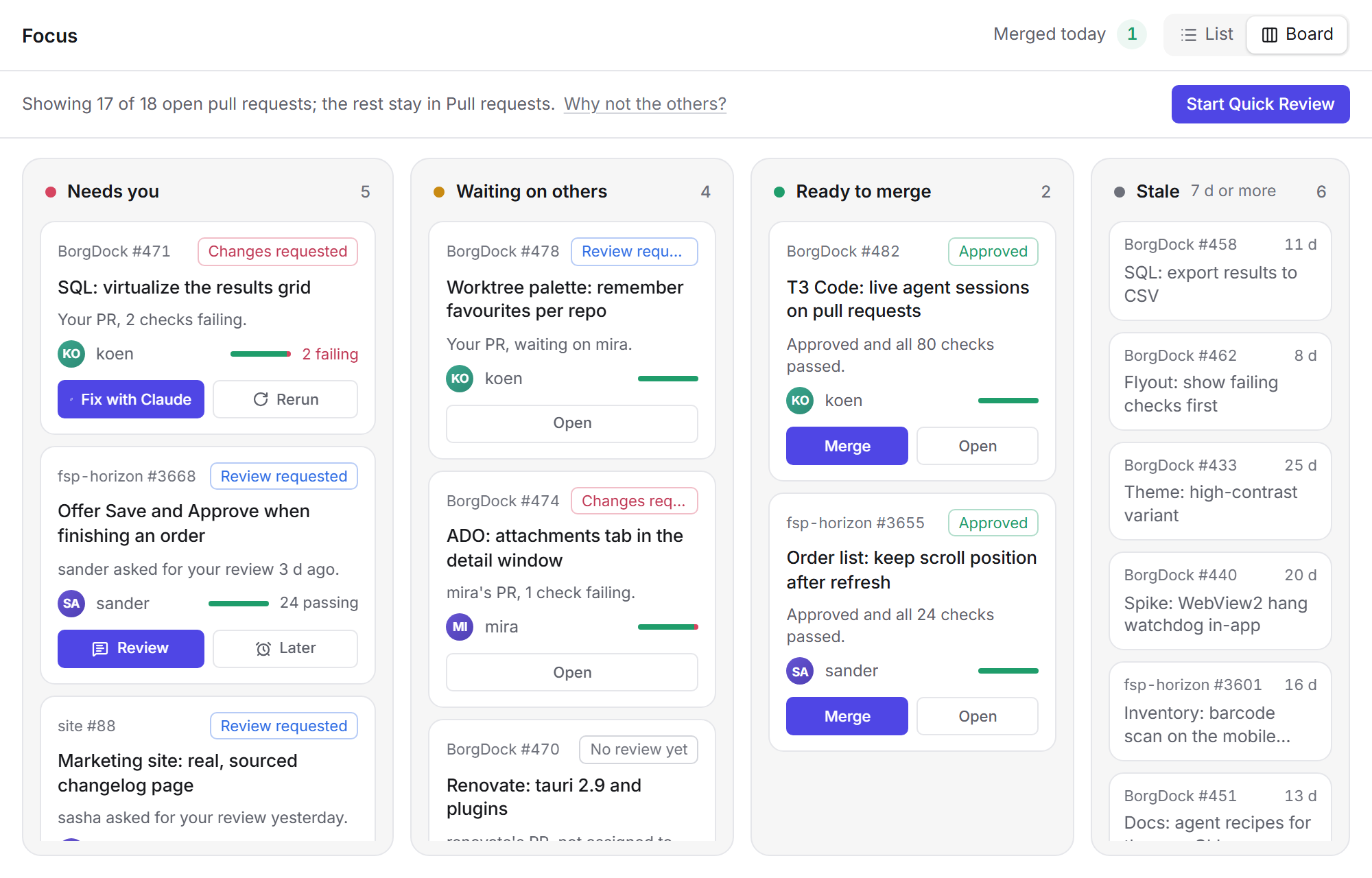
Focus as a board with four columns: Needs you, Waiting on others, Ready to merge and StaleFocus as a board with four columns: Needs you, Waiting on others, Ready to merge and Stale

Quick review

Review file by file, decide on the last one

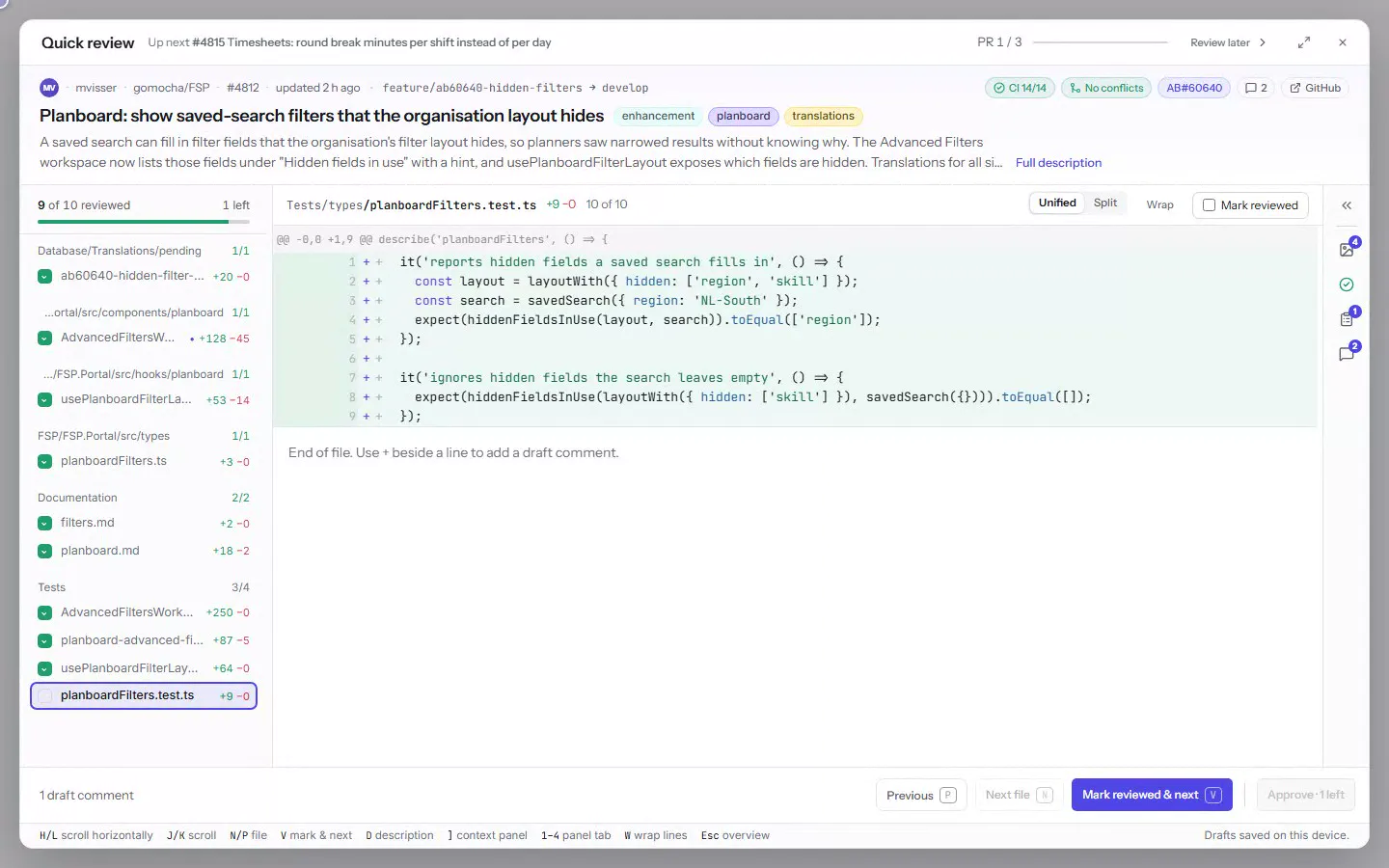
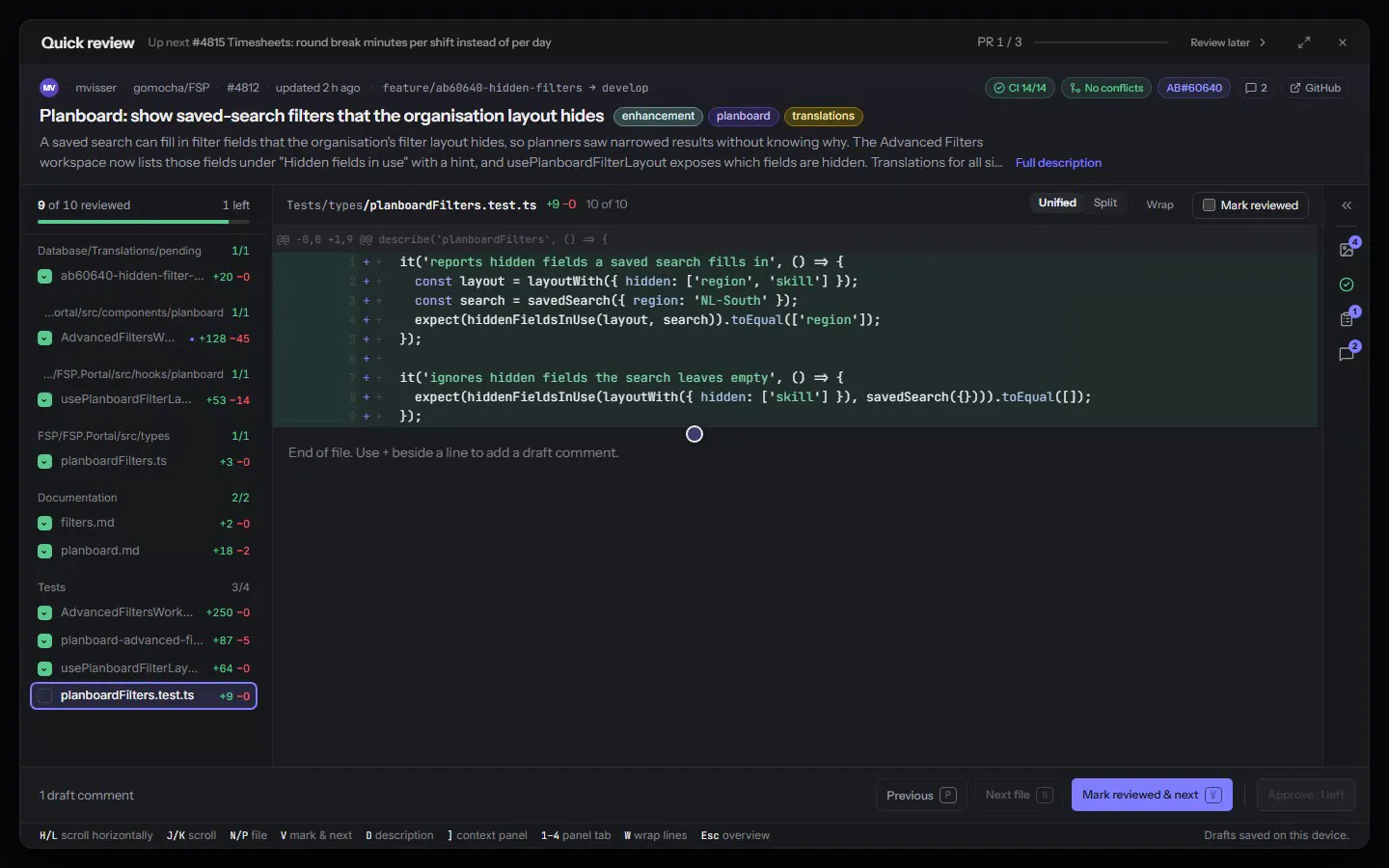
Quick review keeps the pull request above the diff and its proof beside it. Press V to mark a file reviewed and move to the next.

On the last file the footer becomes your decision. Approve & auto-merge, and the next pull request is already open.
See everything Quick review does

V marks the last file and the footer becomes the decision; Approve & auto-merge moves straight on to the next pull request, a re-review of only what changed, with Undo

Dispatch

See your work and the agents on it

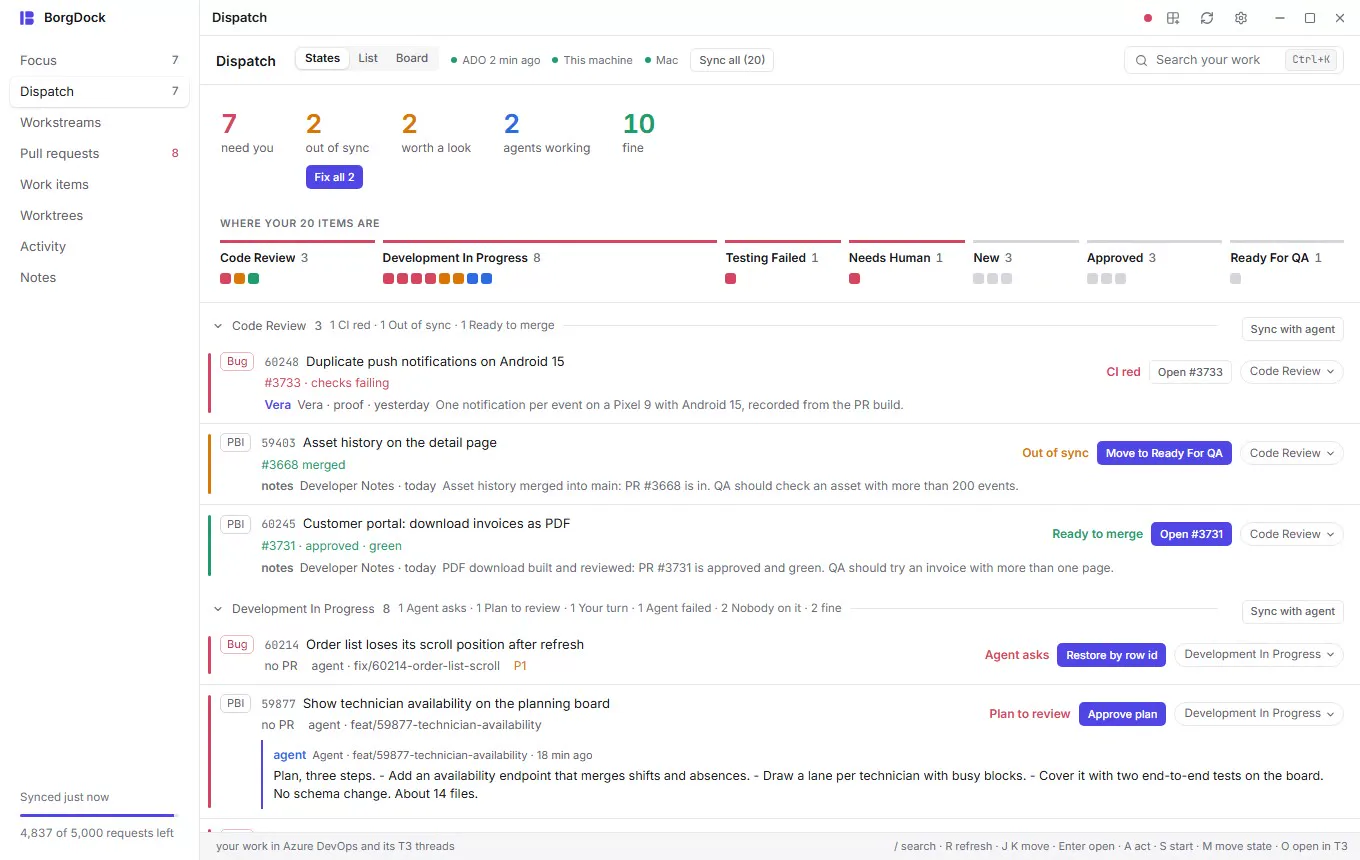
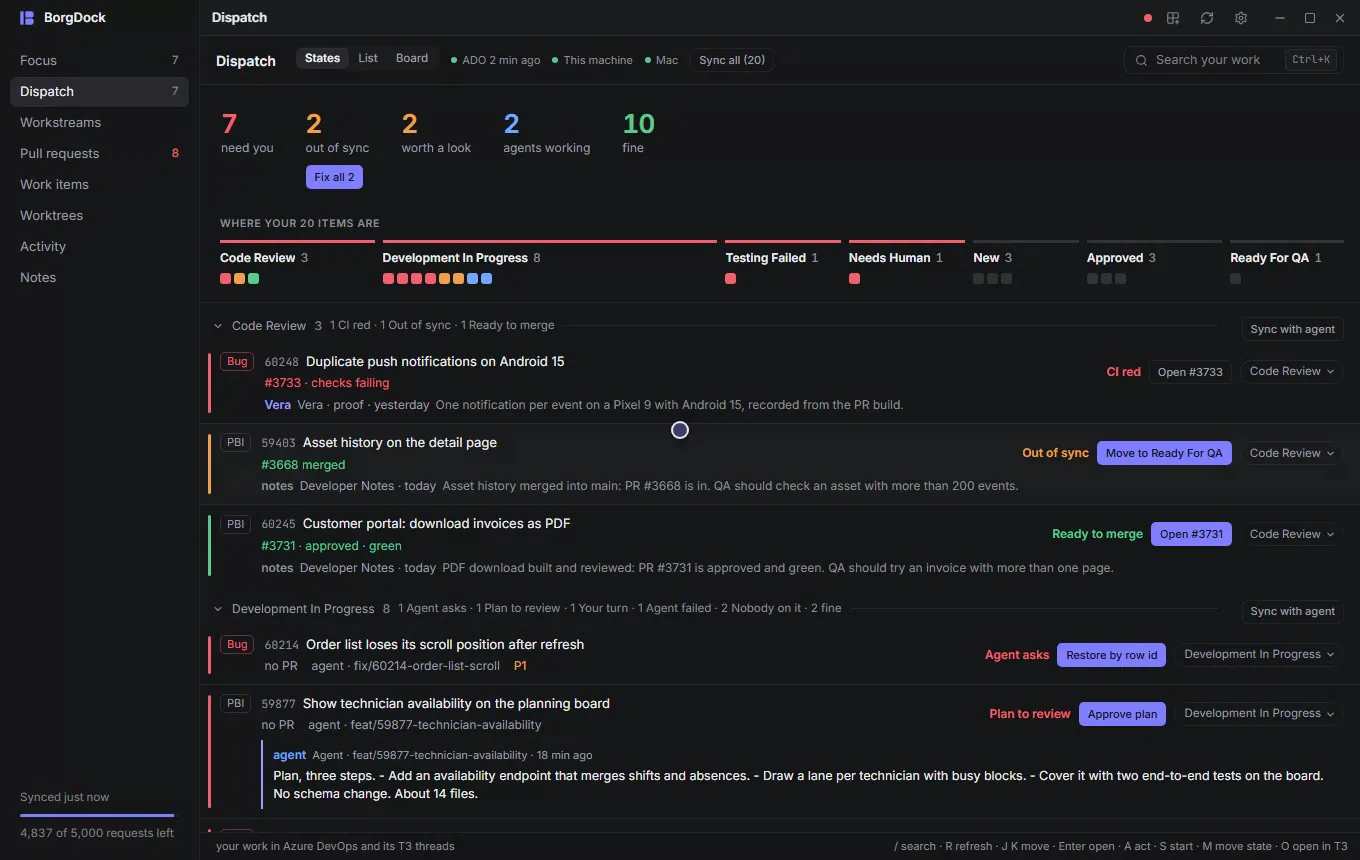
Dispatch puts your Azure DevOps items next to the T3 Code threads and pull requests that belong to them, and opens on a briefing: what needs you, what fell out of sync and what an agent is working on.

Click a number to see just those items, or start an agent on the next one, in a fresh worktree on any machine that runs T3.
Take the tour of Dispatch

The Dispatch briefing: clicking out of sync narrows the walk to those items, need you shows the ones waiting on you, Clear shows everything and a square opens its item

Notes

Keep your notes next to the work

Notes are Markdown files that Obsidian and VS Code open as they are. Type AB#60102 or shop#3712 and it turns into a chip that shows the item or pull request as it is right now.

Press Today for a note that already lists what happened since yesterday, or Ctrl+F8 in any app to jot something down.
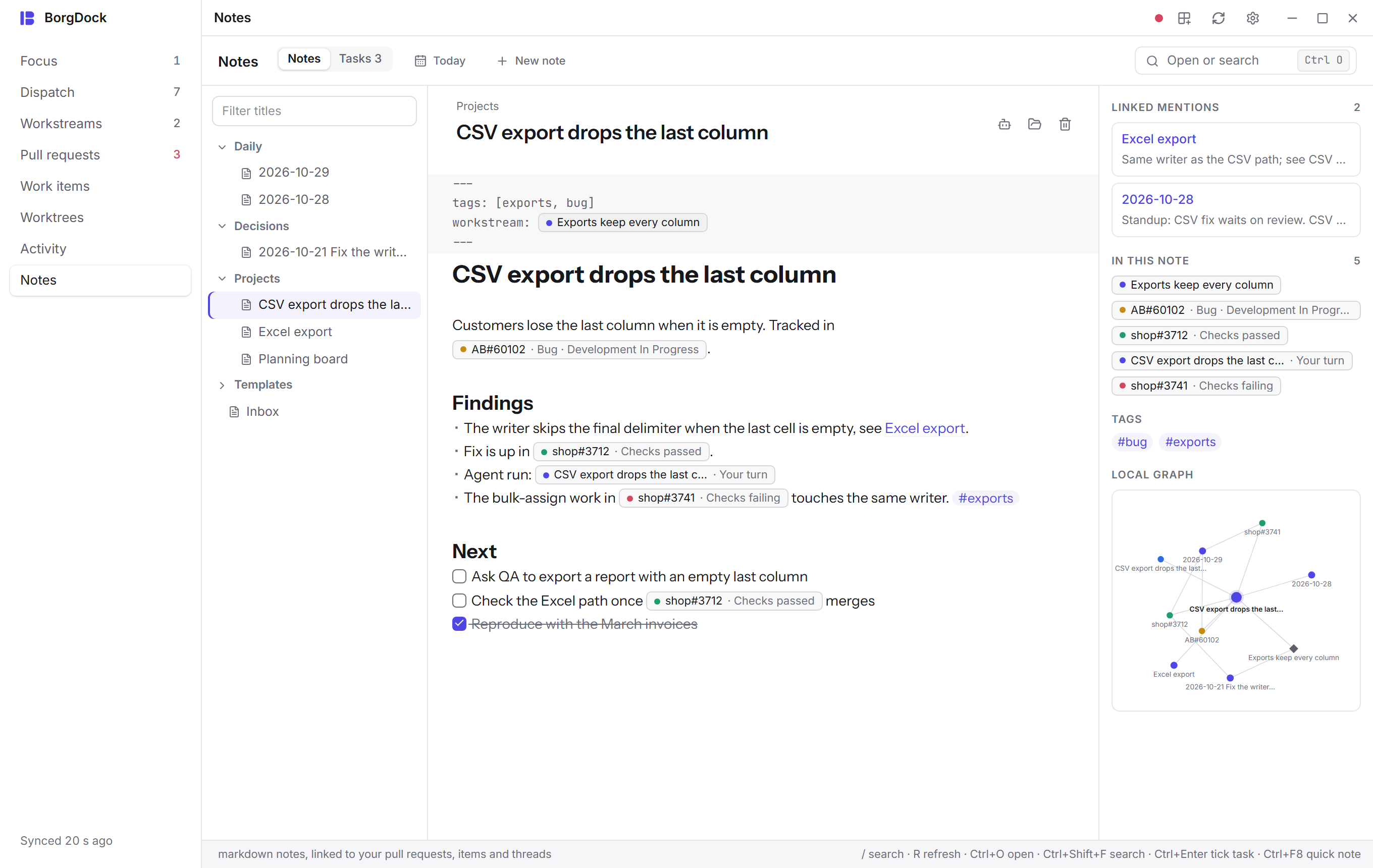
The Notes section: folders, a note in live preview with chips for pull requests and work items, its backlinks, tags and local graphThe Notes section: folders, a note in live preview with chips for pull requests and work items, its backlinks, tags and local graph

Keep it one hotkey away.

Version 4.9.4, released October 29, 2026. Install it once and it keeps itself up to date.

Recently shipped

Full changelog
  1. Fixed 4.9.4 Oct 29, 2026

    The Proof tab now uses the PR description only, keeping review bot banners and legacy proof comments out of your evidence. and 2 more

  2. Improved 4.9.3 Oct 29, 2026

    Approve only once you've seen every file and 6 more

  3. New 4.9.2 Oct 29, 2026

    See a work item without leaving the pull request and 1 more